CLINK HERE FOR A COMPLETE INDEX TO ITEMS ON THIS BLOG

Wednesday, 28 October 2015

CHAIN OF COMMAND PATROL MARKER


I just finished my first Patrol markers I didn't want perfect spotless markers so I made them look "battle harden", I have  included instructions on how I made them and thanks to fellow blogger Agentbalzac who suggested that I included another set of icons with the label "LOCKED" on the underside of the chip to indicate its status when locked down.

To Download the printable British,German, Russian, American and Japanese Icons  -  follow the  DOWNLOAD LINK:


 DOWNLOAD LINK:


Sunday, 18 October 2015

CHAIN OF COMMAND COUNTER

CHAIN OF COMMAND COUNTER


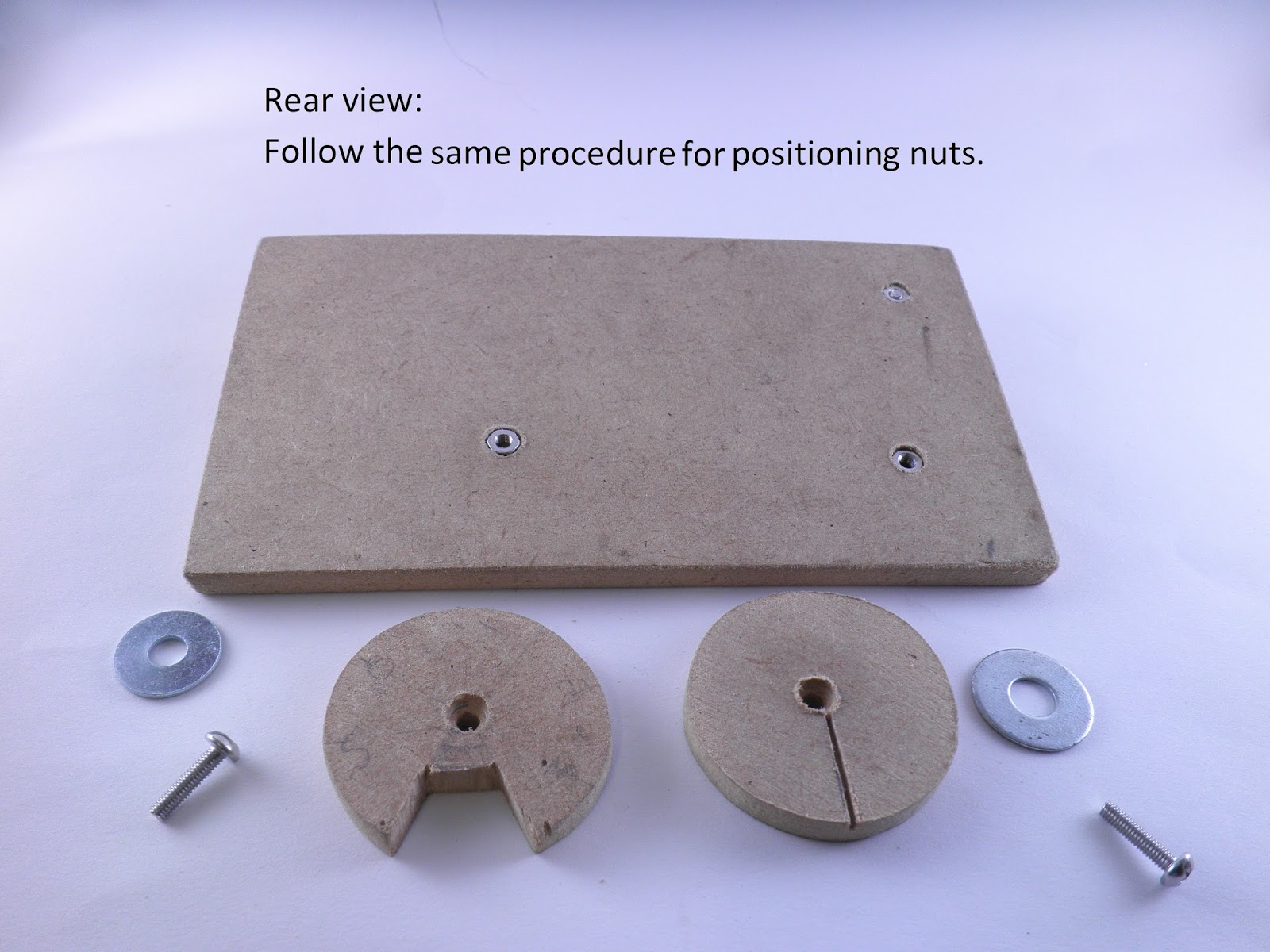
Recently I was introduced to Chain of Command, played 5 games and have been hooked.I purchased 28 mm Bolt Action Late War British Infantry and am currently battling to put them together.I also have been inspired by a fellow gamer Scott and his lazer cut Chain of Command counter, "to have a go “and construct my own.So here are my instructions DIY Chain of Command Counter. (I may construct another one after giving this one a workout on the gaming table)


Tuesday, 30 June 2015

IABSM BLINDS

After some input from the guys on 'Too Fat Lardies Forum' I used 'Paint' on my PC to construct some Blinds.

  • Where he describes how he made his excellent clear Blinds. I was very impressed by them and constructed my own clear Blinds but in the Oval shape.I tried following James instructions and used the clear Transparency Sheets for Plain Paper copiers but was not happy with results (don't have a laser printer) so I just used:
  • black permanent marker to trace the shape of the Blinds I had already made.
  • cut out the shape.
  • I printed up some letters and insignia's,can be viewed: DOWNLOAD LINK:
  • cut them out.
  • used a small amount of paper glue to hold the letters and insignias onto the Transparent Blind.
  • laminated them and cut them out.
  • note that you can use any type of clear sheeting that you get your hands on for this method.
My original Axis Blind and the Transparent Blind below:


                                  My original Allies Blind and the Transparent Blind below:


I am happy with the results and the fact that the terrain under the Blind is visible is a big plus.
"Now onto the next IABSM project"